
Ai content creation 2026 budget
Building a realistic AI content stack in 2026 requires balancing software subscriptions with the hardware needed to run them. The market has shifted from "all-you-can-eat" enterprise suites to modular tools that charge per minute or per credit. For a solo creator, you can start with a lean stack under $50 a month, but scaling quality usually means paying for specialized capabilities rather than one massive platform.
The 30% Rule for Efficiency
Before buying tools, adopt the 30% rule for AI: no more than 30% of your final content should come directly from AI generation. The remaining 70% must be your own ideas, research, and editing. This keeps your work authentic and avoids the "homework" penalty where AI-generated text looks generic. Use AI for the heavy lifting—drafting, transcription, or basic rendering—then apply your human touch to the final 30%.
Core Tool Recommendations
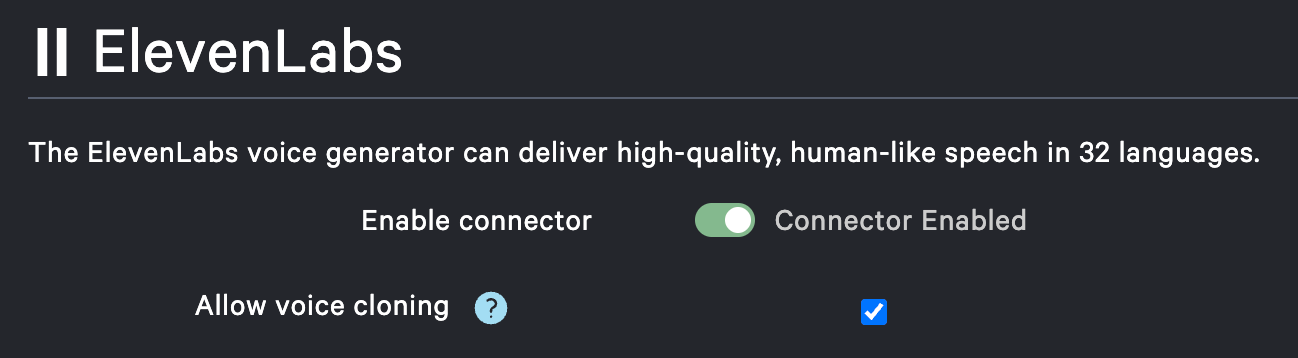
Here are three reliable tools that fit different parts of the content creation workflow. These are not exhaustive lists, but they represent the current standard for quality and reliability in 2026.


As an Amazon Associate, we may earn from qualifying purchases.
Hardware Considerations
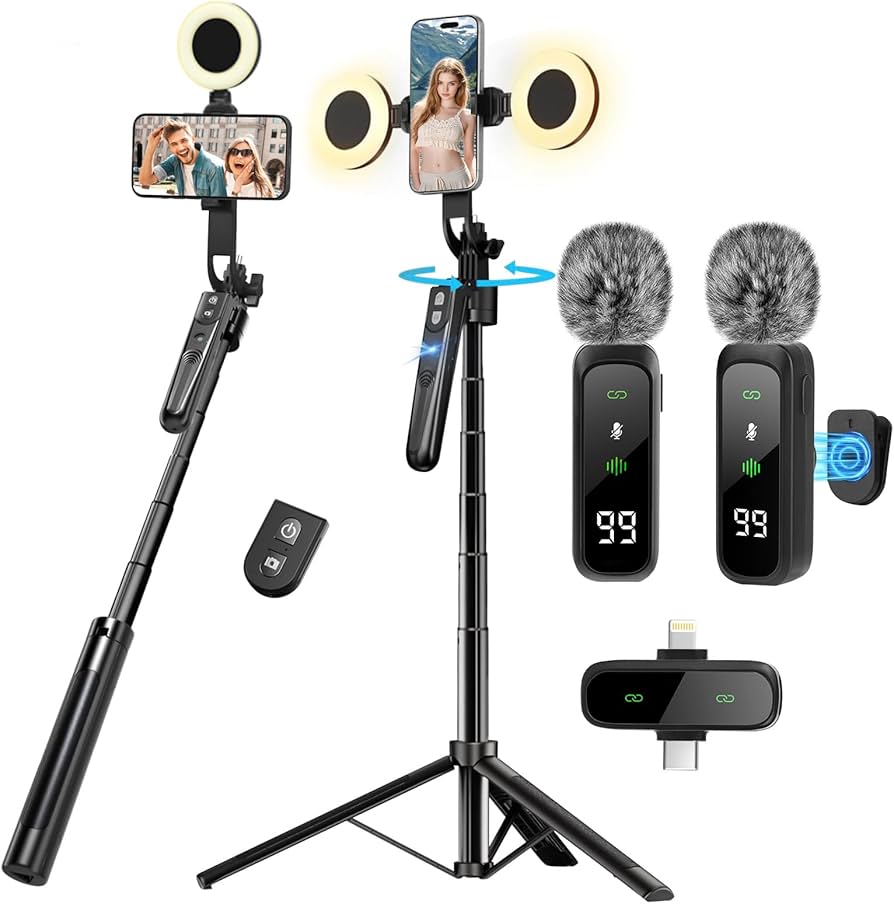
Software is only half the equation. If you plan to edit 4K video or run local AI models, your computer needs to keep up. A machine with at least 16GB of RAM and a dedicated GPU (like an NVIDIA RTX 4060 or better) will save you hours of rendering time. Cloud-based tools reduce this burden, but they add monthly costs. Decide early if you want to invest in hardware upfront or pay for cloud processing over time.
Best AI content creation tools in 2026
The creator economy has shifted from novelty to necessity. In 2026, AI tools are no longer just gimmicks; they are foundational infrastructure for scaling output while maintaining a human voice. The challenge is no longer finding software that works, but choosing the right stack for your specific workflow. Whether you are writing long-form articles, generating video assets, or managing social media, the best tools offer distinct advantages in speed, quality, and integration.
We have evaluated the leading platforms based on reliability, output quality, and ease of use. The following comparison highlights the top contenders for text, video, and audio creation. These tools are selected for their ability to handle real-world creator demands without sacrificing authenticity.
| Tool | Primary Use | Key Strength | Best For |
|---|---|---|---|
| Jasper | Blog & Copywriting | Brand voice consistency | Marketing teams |
| Synthesia | Video Generation | AI avatars & lip-sync | Explainer videos |
| 11Labs | Voice Cloning | Emotional range & realism | Podcasts & Audiobooks |
| Surfer SEO | Content Optimization | Real-time data scoring | SEO-driven writers |
| Copy.ai | Social Media | Quick campaign variations | Small business owners |
Each tool serves a different part of the content pipeline. Jasper and Surfer SEO focus on written content, helping writers structure arguments and optimize for search engines without losing their unique perspective. Synthesia addresses the growing demand for video, allowing creators to produce professional-looking explainer videos without cameras or studios. For audio, 11Labs provides the most realistic voice cloning, essential for podcasters and narrators. Copy.ai rounds out the list for quick, high-volume social media posts.


As an Amazon Associate, we may earn from qualifying purchases.
When integrating these tools, the goal is augmentation, not replacement. The "30% rule" is a useful guideline: let AI handle about 30% of the heavy lifting, such as drafting or initial research, while you provide the remaining 70% through editing, fact-checking, and adding personal insight. This approach ensures your content remains authentic and valuable to your audience.
Inspect the expensive parts
AI tools lower the cost of creation, but they raise the stakes on mistakes. A bad video script or a hallucinated fact costs you credibility, which is harder to rebuild than to maintain. This checklist focuses on the failure points that damage your brand the most.

AI video tools often generate slightly off audio or mismatched lip movements. Listen for robotic cadence or breathiness. If using an avatar, watch the mouth movements closely. Poor audio is the fastest way for viewers to dismiss content as low-effort. Use tools like Descript or Adobe Podcast to clean up voiceovers before they go live.
AI models can confidently state incorrect information. This is the "hallucination" problem. Fact-check every statistic, name, and quote against primary sources. If you can’t verify it, cut it. Authenticity relies on trust, and one major error can undo months of good work. Treat AI as a first draft, not a final source.
AI tends to default to a generic, corporate tone. It may use buzzwords or phrases that don’t sound like you. Read the output aloud. Does it sound like something you would actually say? If not, rewrite the sections that feel flat or overly polished. Your unique perspective is your competitive advantage.

AI image generators can create strange hands, extra fingers, or blurry backgrounds. Zoom in on every detail. Check for logical inconsistencies in lighting or perspective. These small errors signal to viewers that the content is synthetic, breaking the immersion you’re trying to create.


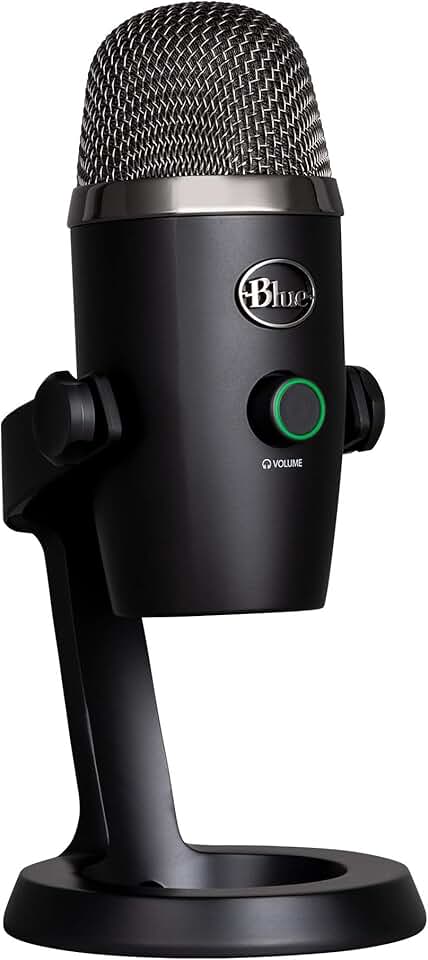
As an Amazon Associate, we may earn from qualifying purchases.
The goal isn’t perfection; it’s clarity. By checking these four areas, you ensure your AI-enhanced content feels human, accurate, and valuable to your audience.
Ownership Costs: When a Cheap Buy Stops Being Cheap
The sticker price of an AI tool is rarely the only cost. Most creators find that the real expense comes from the "ownership" phase: subscriptions that scale with usage, hardware upgrades, and the hidden tax of time spent learning new workflows.
The Subscription Trap
Many AI tools use a "freemium" model to get you in the door, but scaling up quickly becomes expensive. A tool that costs $20/month for 100 generations might jump to $200/month for 1,000. Before committing, calculate your monthly output. If you plan to produce daily content, a flat-rate plan is often safer than pay-per-use, but only if you can guarantee you’ll use the credits.
Hardware and Infrastructure
Running AI locally or processing heavy video files requires more than just a good internet connection. If you’re generating high-resolution video or training custom models, you may need to upgrade your GPU or pay for cloud computing credits. This is a one-time or recurring infrastructure cost that many beginners overlook until their computer slows to a crawl.
The Time Tax
The most underrated cost is your time. AI tools are not magic wands; they are assistants. You still need to prompt, edit, fact-check, and polish. If a tool saves you 10 minutes but requires 20 minutes of setup and tweaking, it’s a net loss. Evaluate tools based on their "time-to-final-output," not just their generation speed.
![CorelDRAW Graphics Suite | 1 Year Subscription | Graphic Design Software for Professionals | Vector Illustration, Layout, and Image Editing [PC/Mac Download]](https://m.media-amazon.com/images/I/71JSkAcruxL._AC_UY654_QL65_.jpg)

As an Amazon Associate, we may earn from qualifying purchases.
How to Avoid Buyer’s Remorse
- Start with the free tier. Test the workflow before paying. If you can’t complete a project in the free version, the paid version won’t fix the core usability issues.
- Check the cancellation policy. Some tools lock you into annual contracts with no refunds. Look for month-to-month options if you’re still experimenting.
- Calculate the cost per asset. Divide the monthly price by the number of usable assets you create. If it’s more than you’d pay for a freelance editor, the tool isn’t efficient for your needs.
Ai content creation 2026: what to check next
These answers address the practical hurdles creators face when integrating AI into their workflow. The goal is to balance speed with the authenticity that keeps audiences engaged.
What is the 30% rule for AI?
The 30% rule is a practical guideline for maintaining authenticity. It suggests that no more than 30% of your final content should come directly from AI tools. The remaining 70% must stem from your own research, personal experience, and editorial judgment. This ensures the piece retains a unique voice that readers can trust.
How to start making AI videos in 2026?
Start by defining your brand system before opening any software. Set your format, choose an avatar or style, and select a voice that matches your tone. Upload your existing assets and write a detailed prompt. The AI will then generate a wireframe for you to review. This structured approach prevents generic outputs and keeps the content aligned with your brand.
Will AI replace human creators?
AI is unlikely to replace creators who treat it as a collaborator rather than a replacement. While AI can handle repetitive tasks like editing or drafting, it struggles with genuine empathy, complex strategy, and niche expertise. The most successful creators in 2026 use AI to amplify their unique perspective, not to hide behind a generated facade.
Is AI-generated content bad for SEO?
Search engines prioritize helpful, reliable content regardless of how it was produced. However, thin or auto-generated content that adds no value will be deprioritized. If you use AI to research, outline, or polish your work while ensuring the core insights are original, it can actually improve your efficiency and consistency.
No comments yet. Be the first to share your thoughts!